Cross-sell and Upsell the Right way with Digital Menu Boards! (Free Templates Included!)
It’s often those side items or that drink you order as an add-on to your main menu that makes your dining outside worthwhile.You often hear your waiter asking at the end of the order if you would like to order a beverage or a salad or maybe some snack to go with the main dish.
With contactless dining becoming more of a thing these days, by using digital menu boards, restaurants can easily pop-up those add-ons and grab an increased order value.Cross-selling and upselling have been two marketing techniques that have been used to improve sales.
How to Setup Cross-Selling and Up-Selling Food Menu using Digital Menu Boards?
Cross-selling:
With this technique, you can sell complementary products to your customers that act as an add on to the main food that a diner is planning to order. The happy meals or super value meals that you often see in McDonalds or Dominos are one of them.
The main product that is ordered is either a burger or a pizza but there are several valuable add-ons in the meal that make it worthwhile to order.
Upselling:
With this technique, one can sell a better quality product at a little higher price compared to one a user would have gone with. If by your suggestion a diner decides to buy medium fries instead of the small one, then it is called upselling.
By suggesting specific items instead of going for a generic term can lead to better upselling on your part. A diner would prefer to have a drink so instead of asking would you like to have a drink, diners can be suggested with various options that go with it. They would surely be convinced to go with one of the suggestions.
Why should restaurants go for cross-selling and upselling?
Quick service restaurants normally go for cross-selling and upselling more through digital menu boards. With fine-dining this technique is often implemented with the help of the order taking staff. Both these ways ensure more order value and profit margins. They in a way also ensure that the needs of customers are taken care of by prompting them to order something that will complement or add more value to their order.
With dmenu boards, this gets even better since these items are straight in view of the diners and they can go for them if they want to.
So how to use digital menu boards to cross-sell and upsell?
Your staff cannot always be expected to act as a medium to cross-sell and upsell. Printed menus can somewhat help you out but at the end of the day, smart digital menu boards can visually aid your diners and help them place orders.
The possibilities are many with TC screen menu boards like highlighting your best combos or side items separately will do the trick. The best part with digital display menu board is that with software’s, you can easily edit your menu board templates or even a new one from numerous free templates that we give. The best part is you don’t need to be a professional here to create eye-popping menus. Everything is right there in the canvas editor and you can make edits as you please.
With the right images be it of a single item or combo items, you can make your diners pay more attention to a specific section of the menu. Simplicity is the key and by making as many edits as you need, menus can do the trick to get your profitable orders.
Check out these amazing templates that you get if you are using DotSignage Digital Menu board solutions:
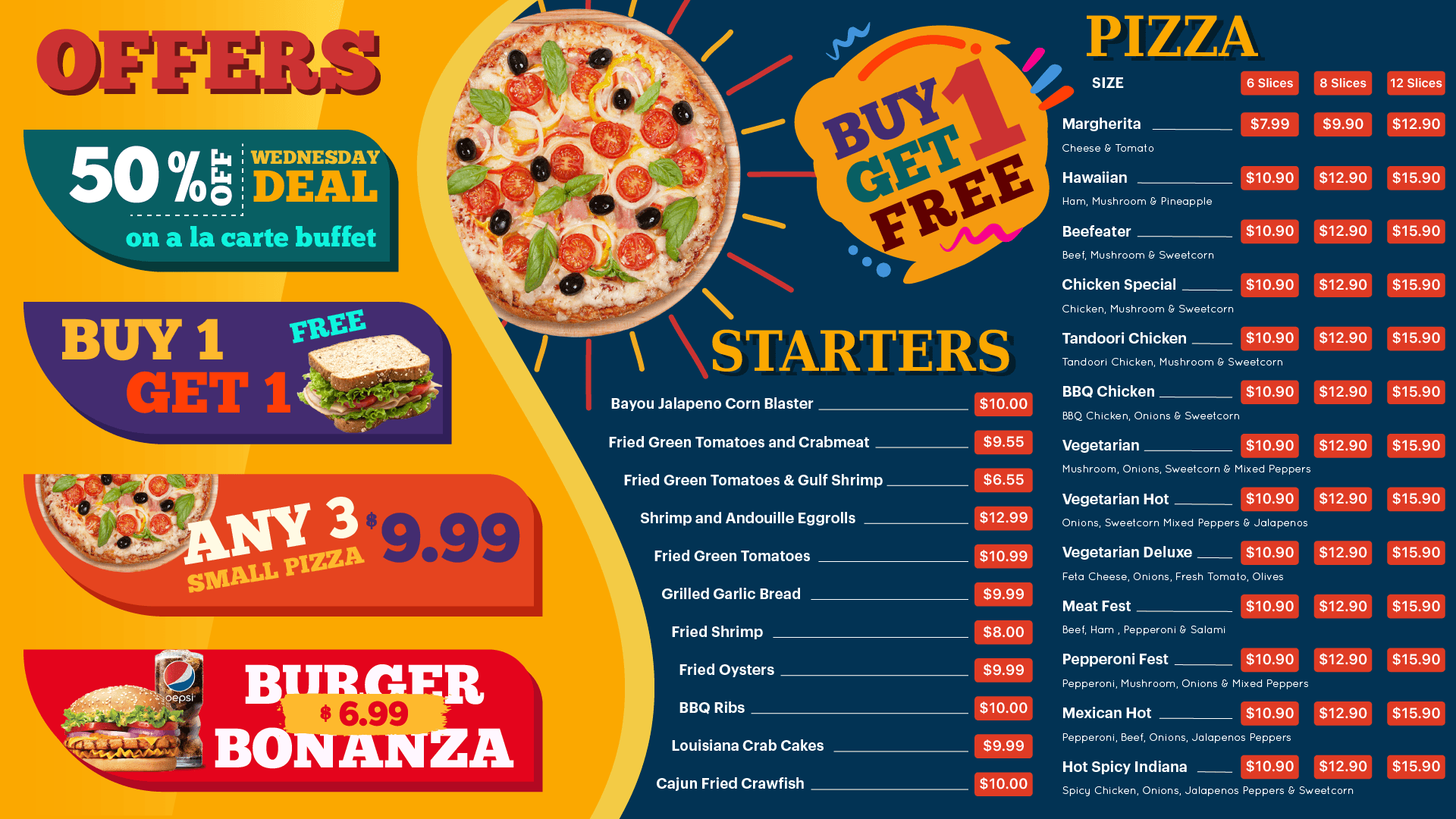
This menu helps you do both — put up your regular menu and highlight your combos as well. Diners can choose for whichever sections they want to go with. Put up the right images, right prices and right offers — your menu is good to go.
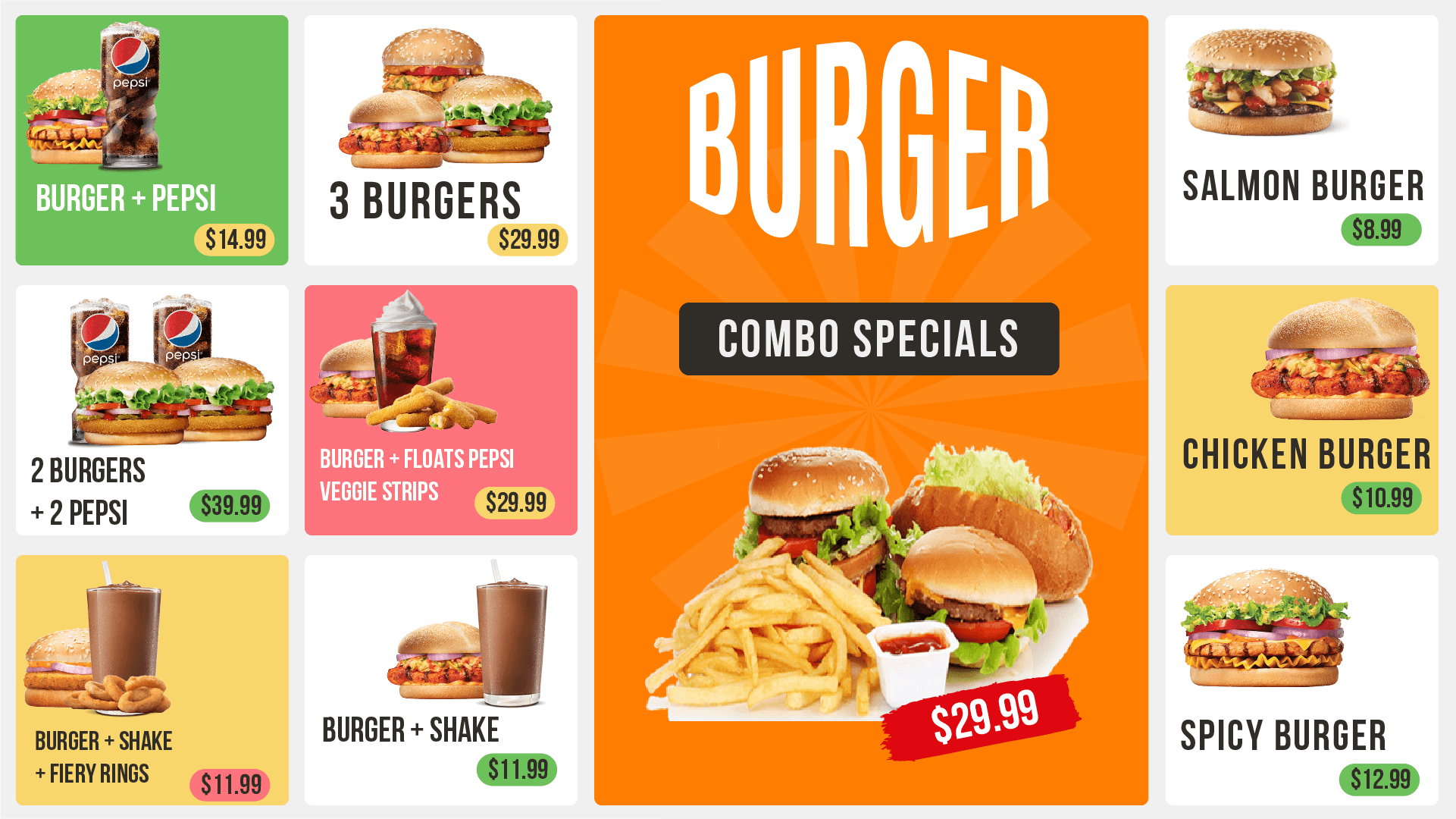
This is a combo special menu. Restaurants can also go with a separate section or a separate screen to display their combos. The beauty of this template is that it lets you highlight both the prices as well as the images.
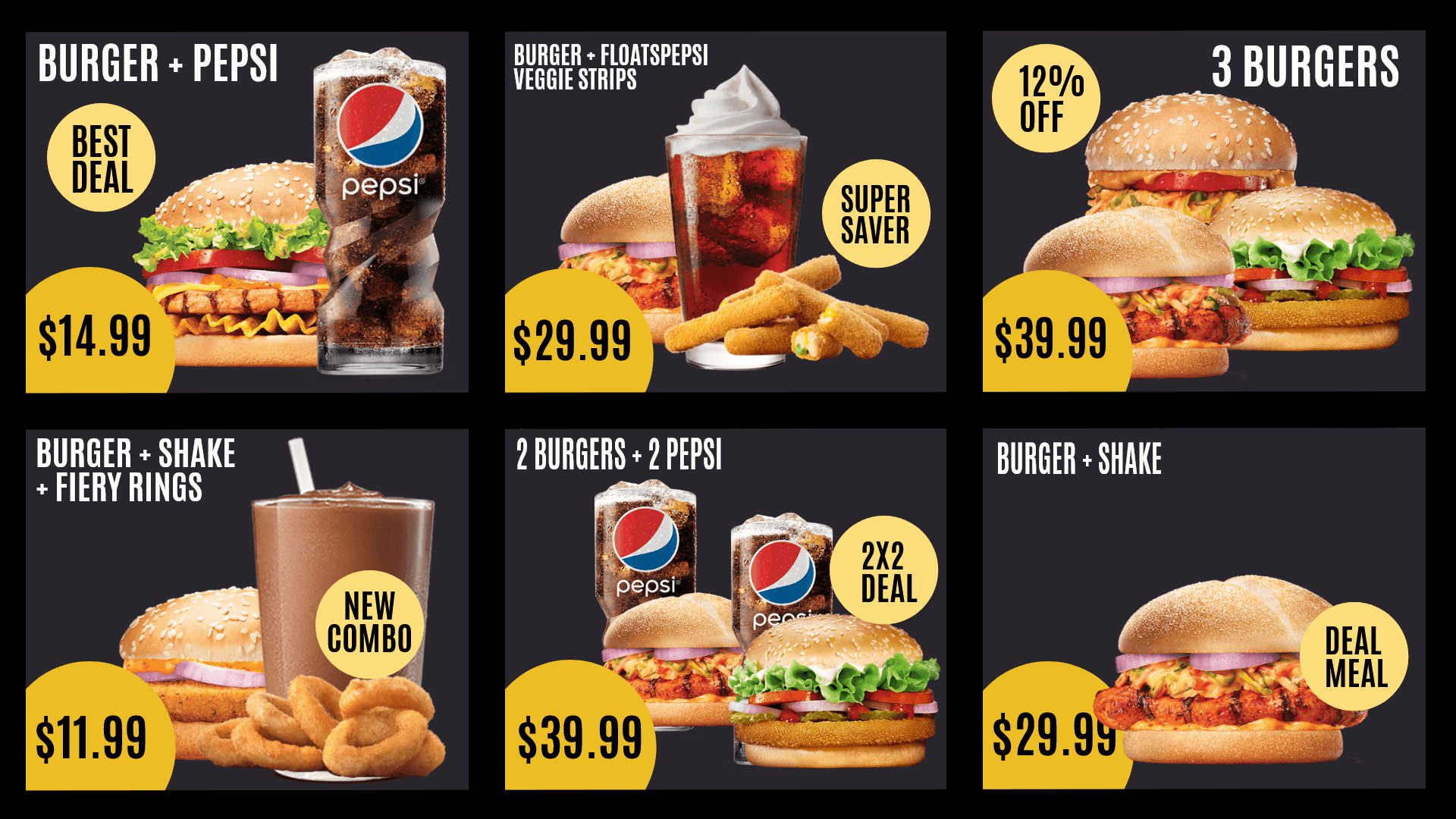
This template is a beautified and sophisticated version for combo menus. With bright colors, attractively divided sections and right fonts — all you need to do is simply edit it with the right images, menu items and prices to go ahead and display it on your digital menu board.
Smit Nebhwani, a tech entrepreneur with over a decade of experience, specializes in building successful SaaS products. An authority in digital signage, he shares valuable industry insights through his content. In his free time, he enjoys music, traveling, and family time.