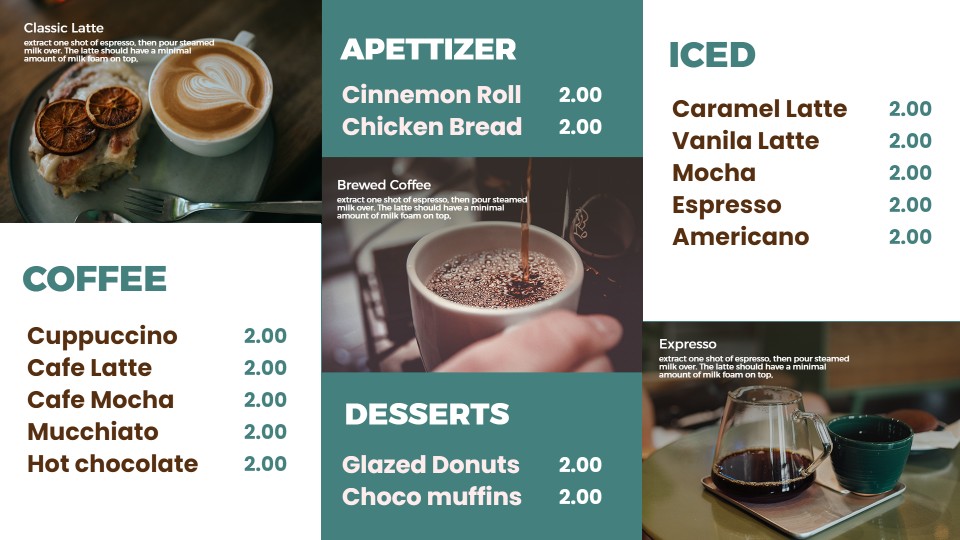
Coffee Shop Digital Menu Boards Templates
Newest
The most recent coffee menu templates, including seasonal and iced drink layouts.
Trending
Featured
Our collection of best coffee menu templates, picked by our team for their readability.
See How It Works?
Check out how our coffee menu templates are created in this gallery and published on the screen. Just pick a template, open it in the editor, change the names, sizes, and prices of the drinks, and publish. The board will update itself so the seasonal drinks appear automatically without printing anything.
Coffee shop menu boards: a template for every setup
The number of screens determines the template you should use for your coffee menu board.
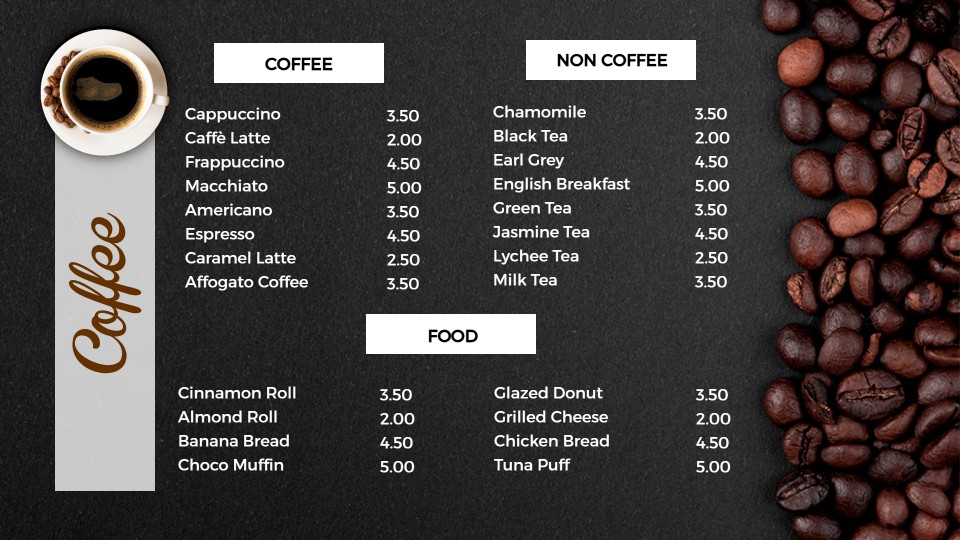
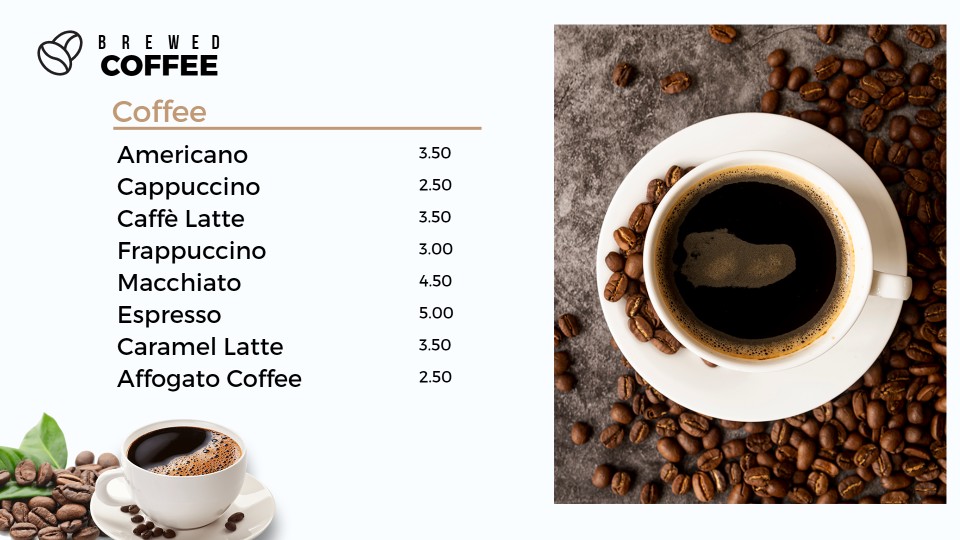
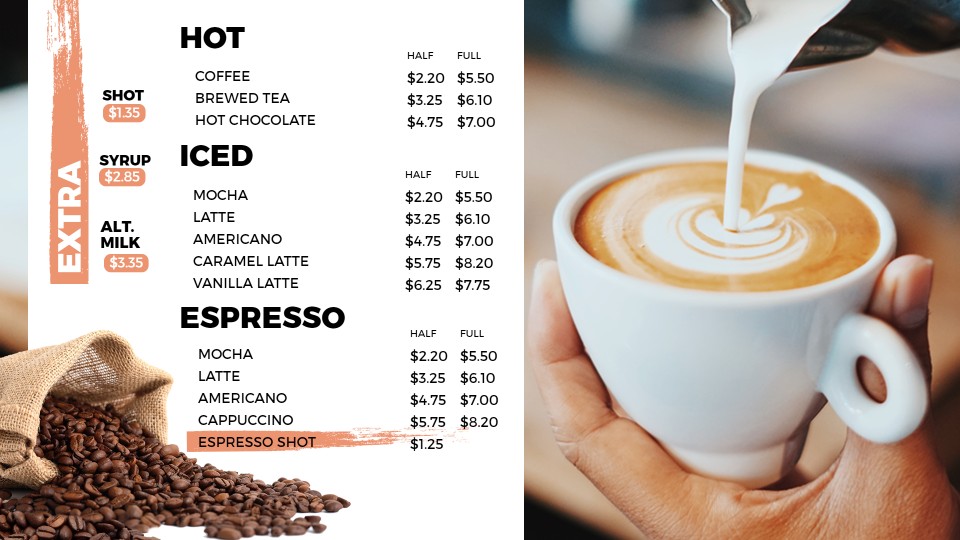
Stick to your main beverages. Espresso, coffee, and specialty drinks with sizes on top and prices in one clean column. One coffee menu board template should include about twelve to fifteen drinks; otherwise the font becomes too small to be read from a distance.
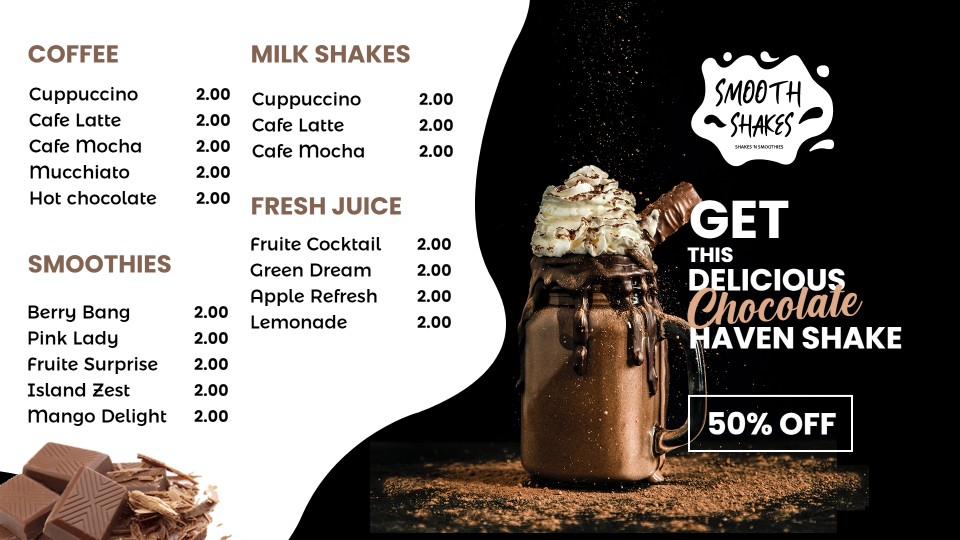
Hot beverages on the left, iced and blended beverages on the right. This is the most common setup in coffee shops, and the templates here are paired so the two screens read as one board.
Add food. Pastries, bagels, and sandwiches can be added in the third panel, which frees the first two for drinks and keeps your seasonal items visible.
Every coffee menu board design here opens in the template editor, where you can change drink names, prices, photos, fonts, and colors.
Coffee menu board questions
What should a coffee shop menu board show?
A coffee menu board should begin with espresso beverages and brewed coffee, followed by the sizes and pricing. Keep speciality and seasonal drinks separate for them to catch attention. Leave food and retail bags for a second screen. A crowded coffee shop menu board slows the line more than a short one does.
Can you edit these coffee menu templates?
Yes. Each coffee menu template can be edited using our drag-and-drop editor. The names of the drinks, prices, images, fonts, color schemes, and order of the sections can be changed, so your best sellers sit at eye level. Nothing in the preview is fixed.
How many drinks fit on one screen?
Twelve to fifteen, depending on the length of the description. Anything above that means that the text will become too small for anyone in the queue to read. If you have a longer list of drinks, go for a two-screen coffee shop menu board template, and split hot from cold drinks.
How do you switch from a morning menu to an afternoon menu?
Set a schedule. Build a morning coffee menu template and an afternoon version, then choose the time each one goes live. The screen changes on its own, so pastries and drip coffee can run early, while cold brew and food take over later.
Are these coffee shop menu templates free?
Yes. Every free coffee shop menu template on this page comes with your DotSignage account, along with the other 750+ designs. Start a free trial, open any template in the editor, customize it, and publish to your screen. No credit card required.
Easy steps to configure

Setup your Amazon fire stick or Android box with TV and install DotSignage app

Start Your free trial of DotSignage

Customize Your menu with template editor

Publish your menu on TV screen
Get Access of 750+ Editable Digital Signage Templates!


