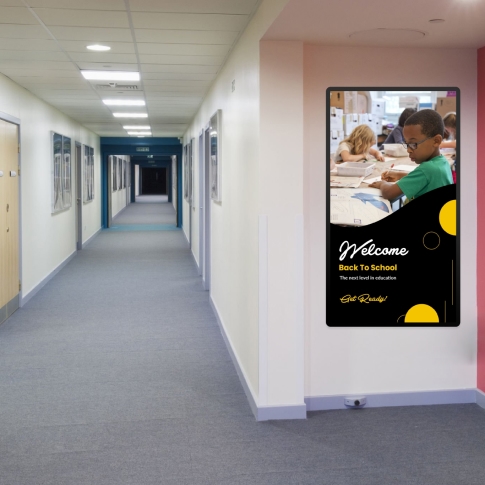
School Digital Signage for Campuses of Any Size
DotSignage turns any TV on your campus into a digital screen you can control from a laptop. Schools, colleges and universities use our software to broadcast daily notices, timetable changes, exam results, and alerts that need to reach everyone at once. It works on displays you already own and requires no server at all. Digital signage in schools works best when the people who possess the information are the ones who can broadcast it, so that is how we designed it.


Equip signages to generate more interest
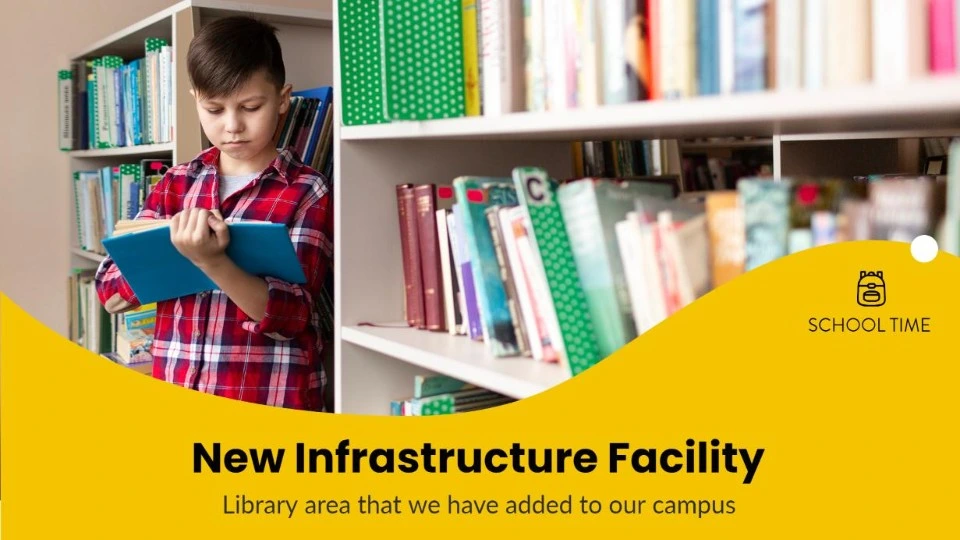
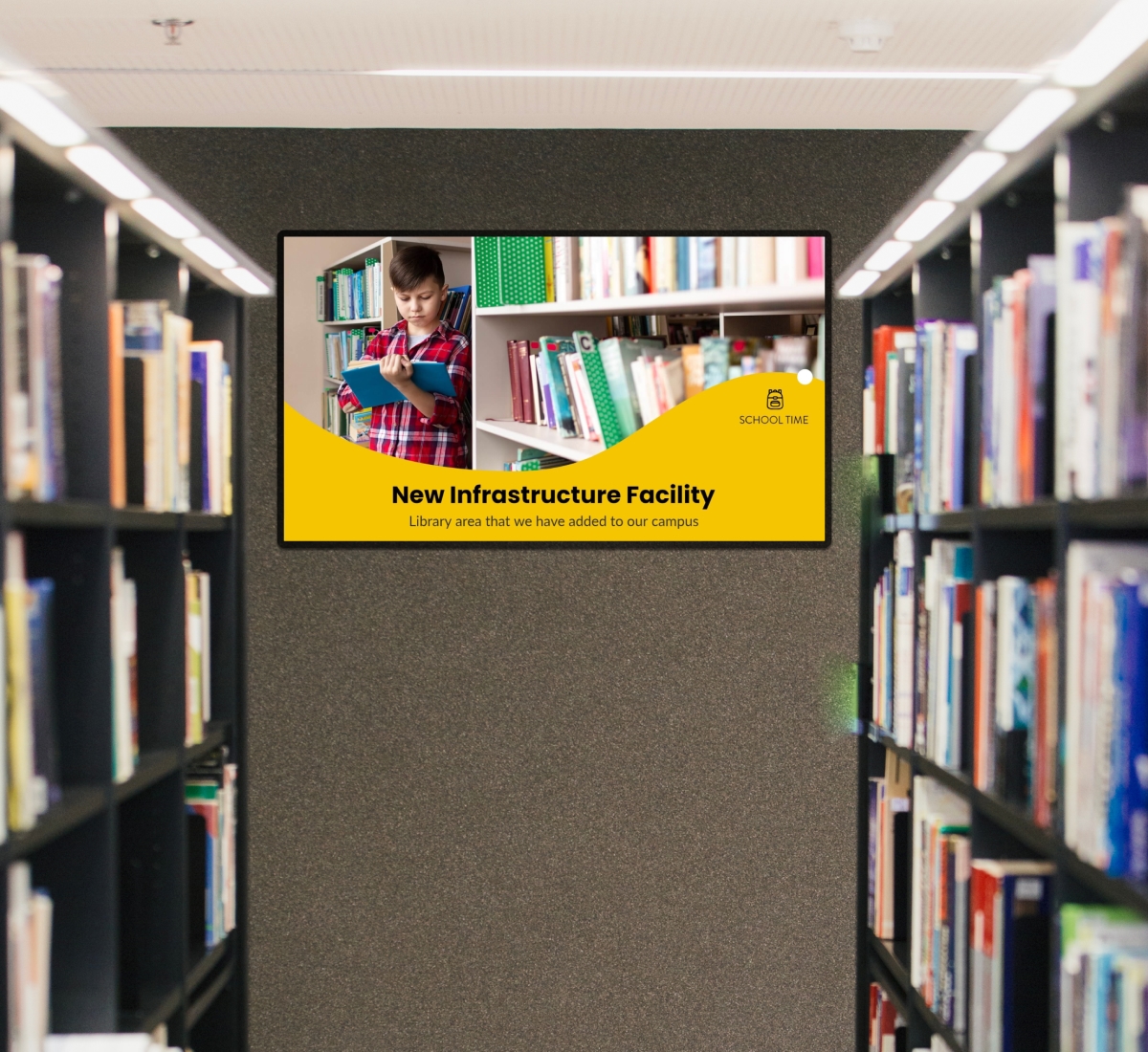
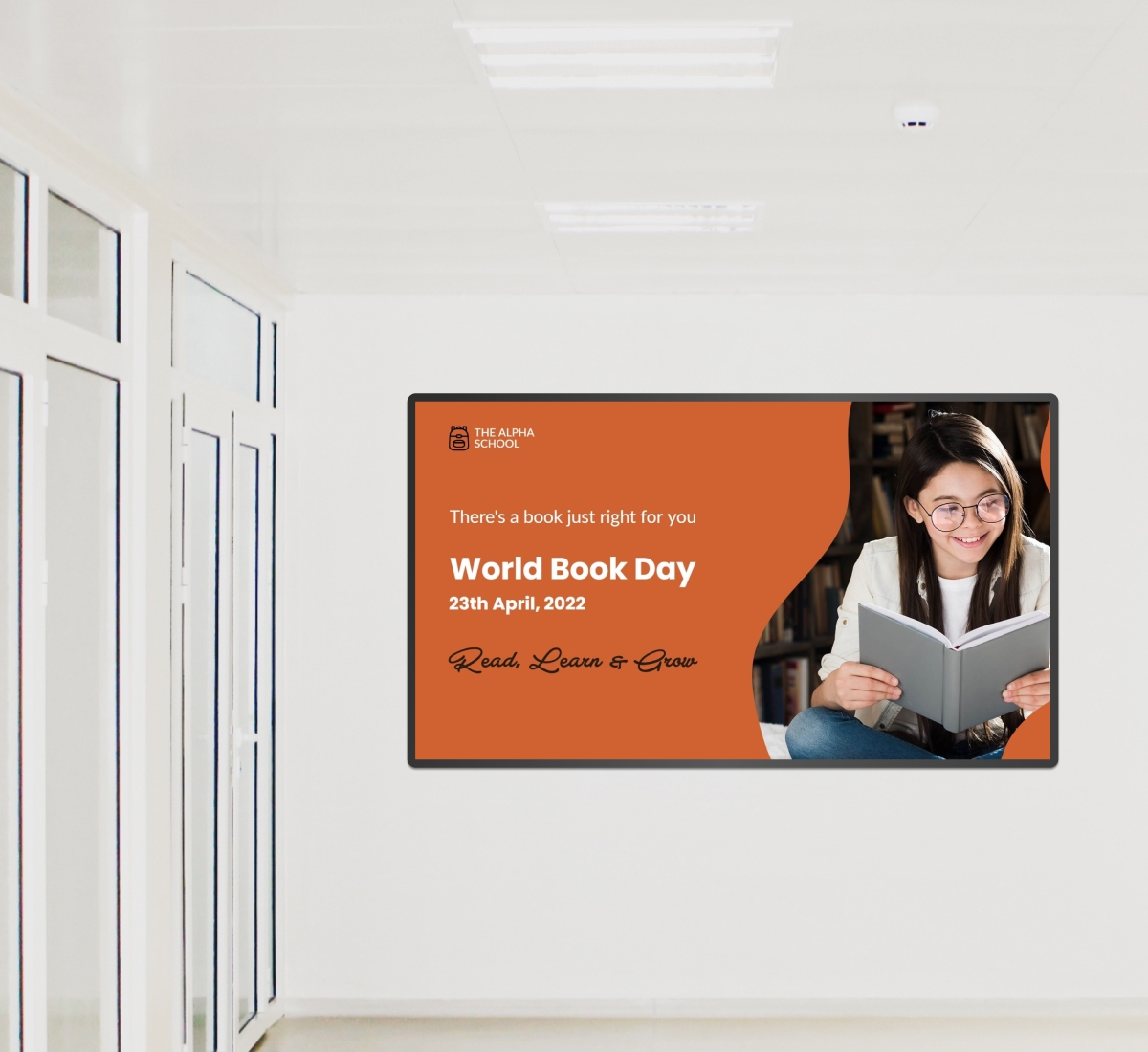
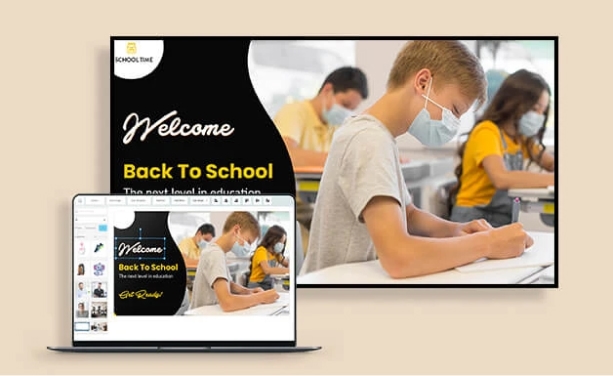
Announcing a new course, fresh batch of students or a new infrastructure facility at the campus, you name it - we have it! Upload your design or use our in-built templates to make things much easier for you!
It's all about the way you communicate!
Engage your students in the best way possible with Digital Signage. With a campus wide Digital Signage Network, one can improve communications within student unions, sports facilities, study rooms and many more.
With attractive displays on digital signage, an improved learning environment is created which brings in more participation from students.
Communicate throughout campuses easily
Interacting with students, faculty, and staff is important to serve the purpose of education. Students read a screen without being asked to, which is more than most printed noticeboards manage.
Hence, Digital Signage for education are a great medium to inform and educate students. Since they tend to grab attention easily, educational institutes can use it for multi purposes.
School Administrators can use post school announcements, schedules, post automated event listing or emergency schedule changes easily from Cloud based Digital Signage solutions.
Digital Signage for Schools, Colleges and Universities
A village primary school and a university with multiple buildings will have different requirements from the same digital signage software. Here is how schools usually configure it.
K-12 schools
One or two screens, usually reception and the main hall. Day-to-day information such as notices, weather reports, lunch menus, absence cover, and reminders about parents’ evenings. Usually controlled from the front office with updates made in the morning.
Colleges
Class timetable changes and room moves happen every day, with exam boards, careers fairs and enrolment activities taking place year-round. The college's digital signage is typically placed in corridors and common rooms, where students walk between classes and actually look around.
Universities
The university digital signage covers several buildings and departments, each displaying their own material. There’s only one login for everything, and each department can have their own screens with no access to the others' content. Campus digital signage usually starts in one faculty and spreads once people see it working.
Multi-site trusts and districts
Educate Better with Digital Signage
Digital signage are not limited to outside classroom only. They can well be used to educate and engage students inside classrooms too. They can be used to broadcast educational programs, remote guest lectures, highlight class achievers. Faculties can also use it to give timed presentations.
Staff have a quicker way to reach students than emails or printed notices.
Students and faculty members can save a lot of time and effort by employing digital signage for their purposes.
Get Access of 750+ Editable Digital Signage Templates!
Customize our templates as per your needs with our drag and drop template editor!


Are you looking for?

Communication
Establish a medium of seamless communication throughout the campus in no time?

Participation
Connect with Students using Social Media to enhance their participation in campus activities?

Engagement
Allow faculties to put their message in a different way to seek active student engagement?

Promote Culture
Communicate the culture of campus with videos of your activities to enhance student excitement?
Why DotSignage?
DotSignage as a Digital Signage software helps campuses to manage communication across remotely placed screens easily in a few taps. Our clients prefer us because:
- The system is simple, quick and easy to install and use
- It can be accessed from anywhere making life of educators and students hassle-free
- One can schedule content to be played on TV screens well in advance and go with a dry-run in case of events
- The system supports multiple formats like image, interactive HTML or videos
One Solution, multiple uses!

Announce an event

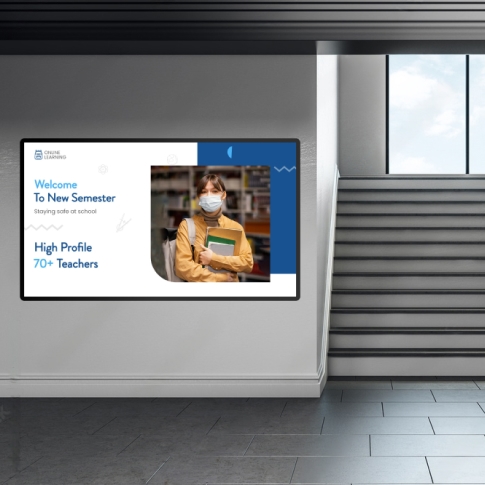
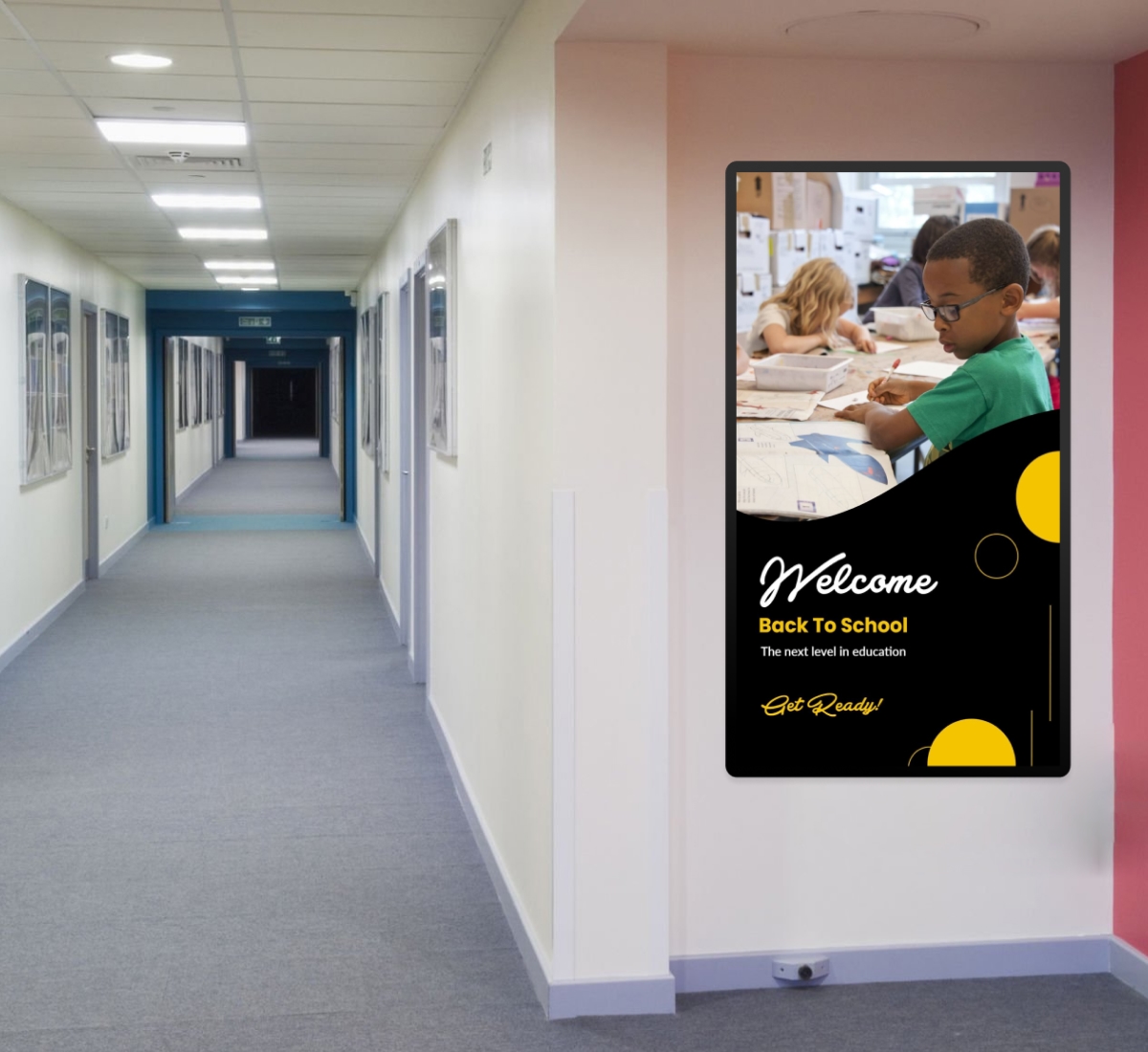
Welcome students

Display notices
How DotSignage can help!
- Enrich the quality of your school campus
- Communicate better with students, through a medium they are accustomed to
- Save money and time on printed notices
- Involve students in the content creation process to evolve their learning
- Ensure emergency alerts are instantly reaching everyone on campus
School Digital Signage FAQs
What is the best digital signage for schools?
Judge it on four criteria: cost per screen per year, ability to use TVs you already have, ability for non-IT office employees to change content, and time to send an urgent announcement to all screens. The answer will be different for a school with three screens and for a university with three hundred screens.
Is there free digital signage software for schools?
DotSignage offers a 7-day trial for the whole package, which includes all 750+ templates, the full editor, scheduling, and all apps. There is no need to enter any credit card details to start. It then becomes $10 per screen per month with a yearly subscription. Of course, other free-forever solutions exist, but most limit screen size, lack features, or add their own branding to your display.
What hardware does a school need?
All TVs that have an HDMI port, along with a small player. Amazon Fire Stick, Amazon Signage Stick, Android TV, or Google TV Streamer can be used here. Most schools already have screens installed in the reception and hall areas, so there will be no additional expenses except for a player.
How much does digital signage for a school cost?
The cost is $10 per screen per month when billed annually. So, two screens for a primary school will cost $240 per year. Ten screens for a secondary school will cost $1,200. There will be no additional setup fees and no software license. Also, the cost does not change with the volume of the content.
Can we control who publishes to the screens?
Yes. Staff can be given access to the design and app sections so they can create content, while publishing to the screens stays with an administrator. Nothing appears on a TV until someone with full portal access has reviewed it. Access can also be set per device, so each site in a multi-site trust manages only its own screens.