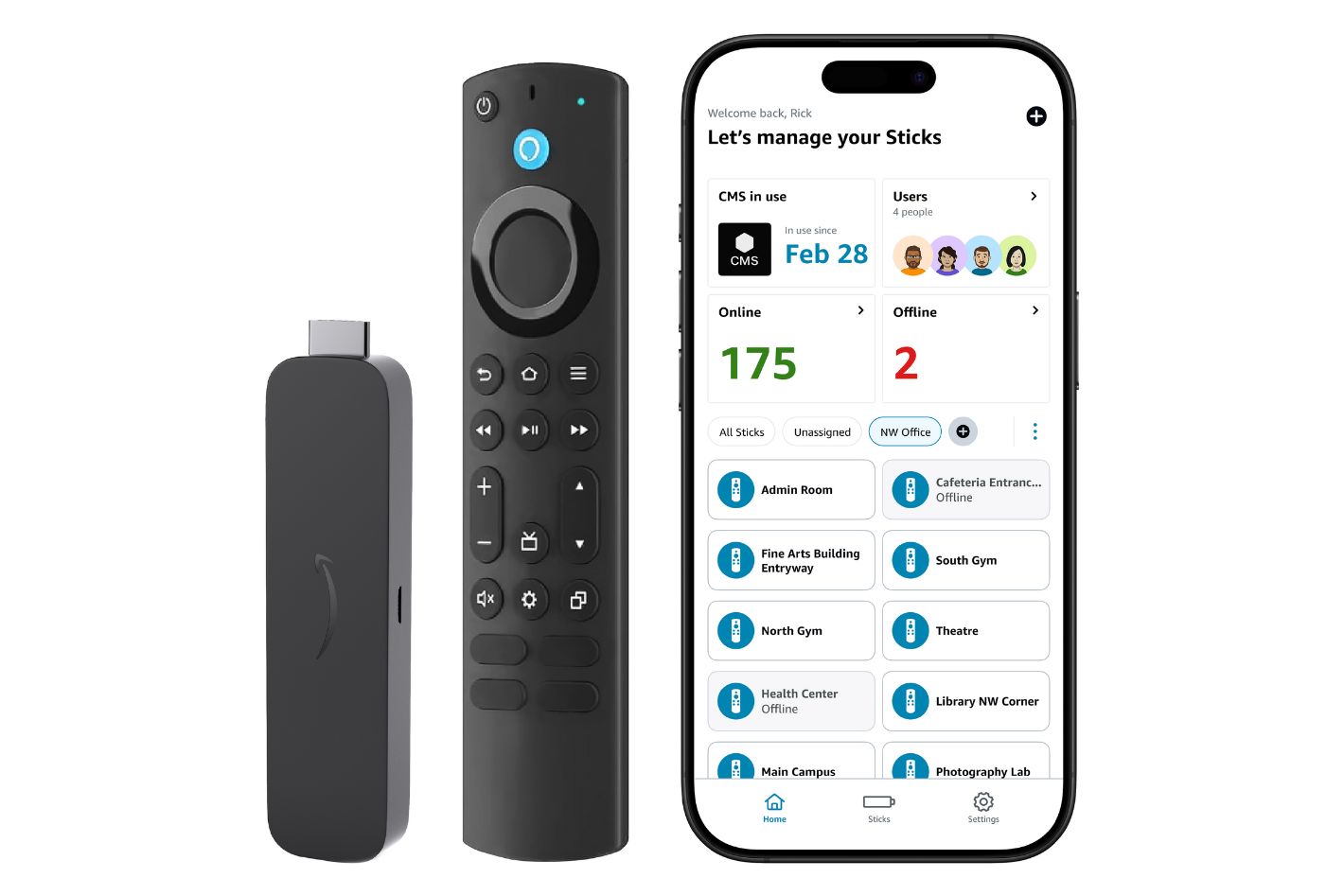
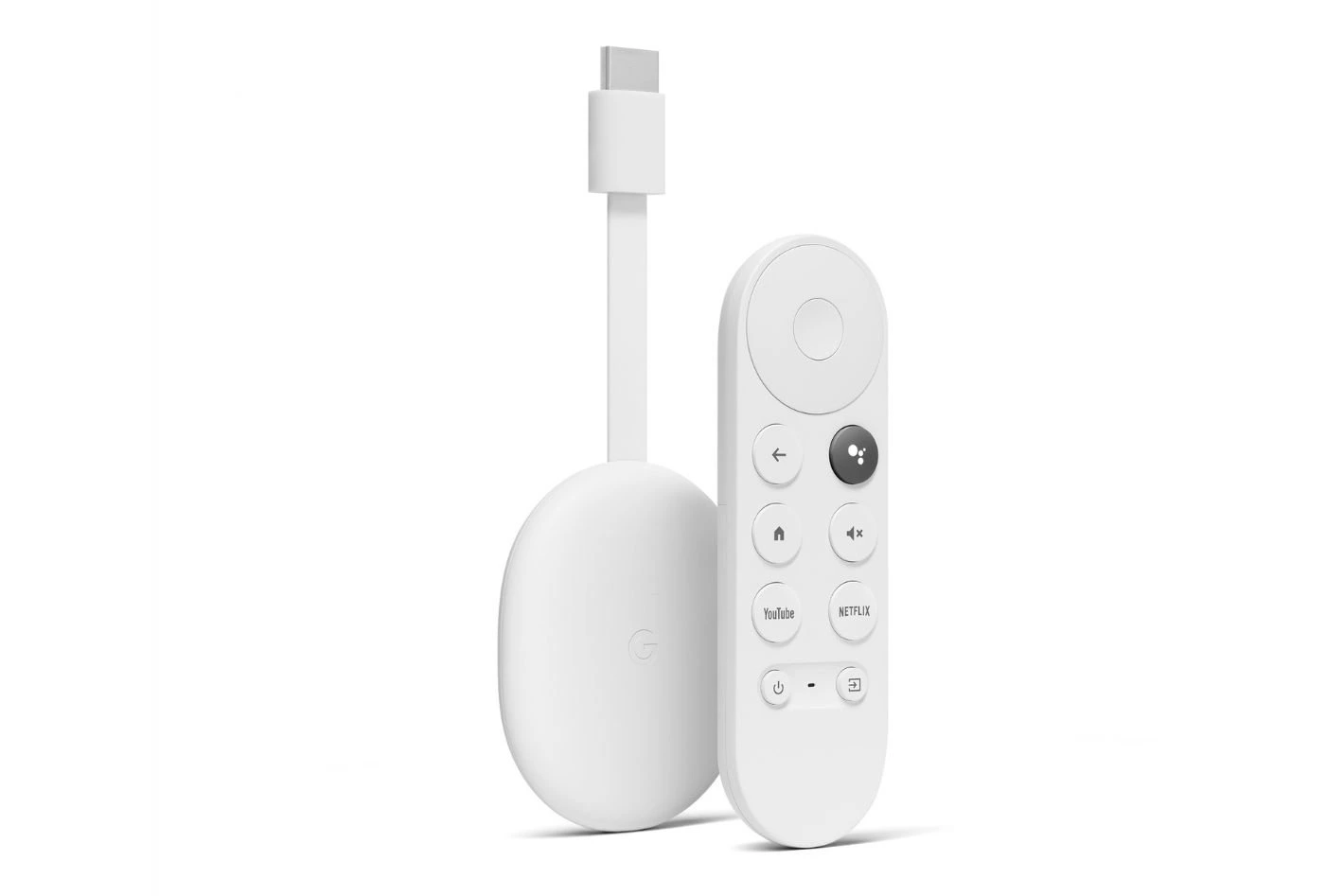
In this guide, we’ll walk you through how to link your device to DotSignage based on the media player you’re using. Whether you’re setting up an Amazon Signage Stick, Amazon Firestick or a Google Chromecast with Google TV, you’ll find step-by-step instructions tailored to each option.
Select your device below to jump to the setup guide and get your screens up and running in minutes.
Smit Nebhwani, a tech entrepreneur with over a decade of experience, specializes in building successful SaaS products. An authority in digital signage, he shares valuable industry insights through his content. In his free time, he enjoys music, traveling, and family time.